
Why Allowlist Beats Blocklist
Traditional parental controls try to block bad websites - and always miss some. 3Eyes flips the model: only the websites you approve are ever accessible.
Block by default, approve what you trust
Blacklist-based tools need to know about every bad website in advance - an impossible task. New harmful sites launch every day and blocklists are always playing catch-up. With 3Eyes, the internet is off by default. Your child can only visit websites you have specifically approved, so there are no surprises.
- Block-by-default stops unknown threats automatically
- No need to manually block thousands of bad sites
- New harmful content is blocked before any list is updated
- Works on all browsers - Chrome, Firefox, Edge, and more
How Content Filtering Works
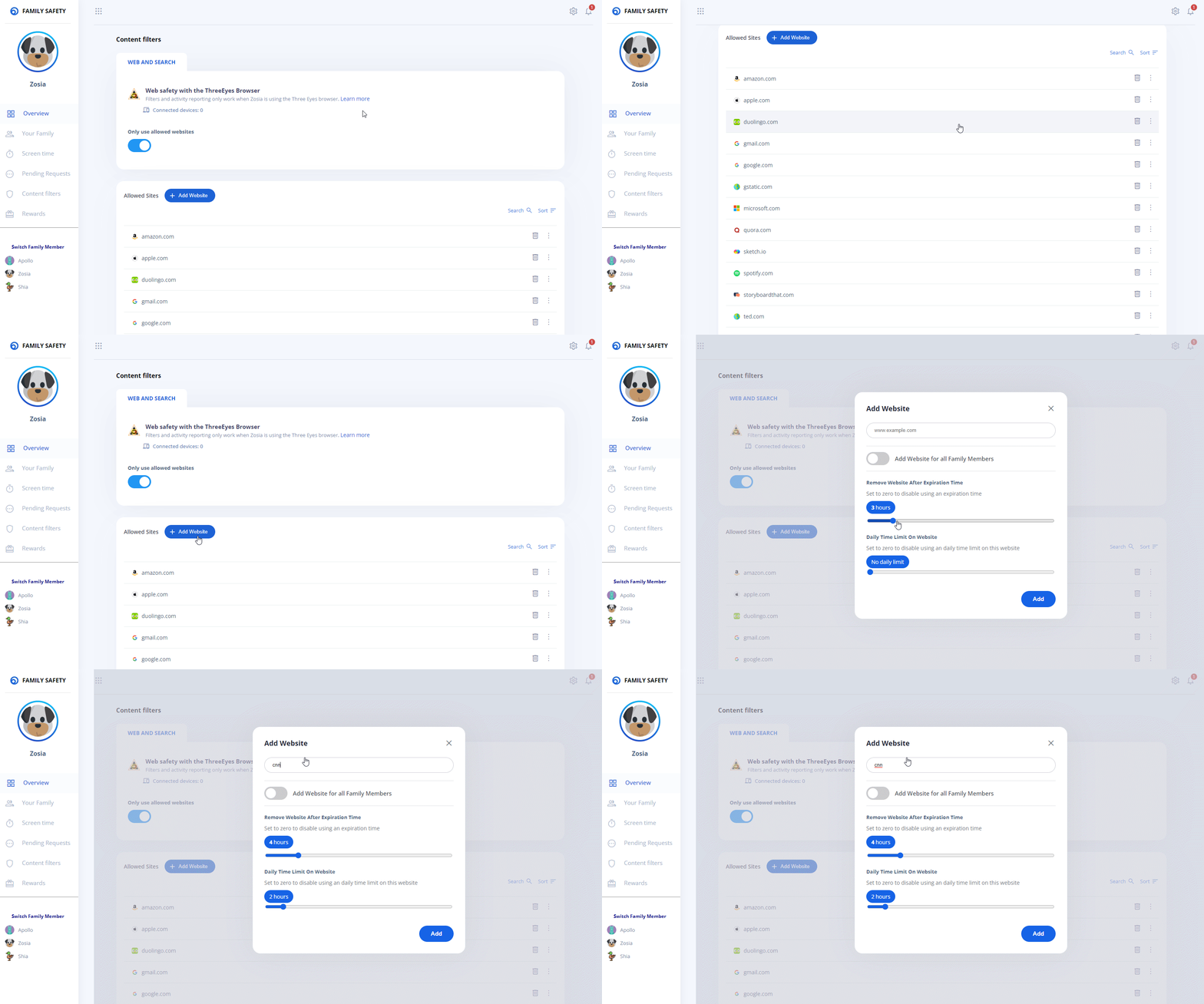
Three simple steps keep your child's browsing safe and give you full visibility
Build your family's safe internet
Your approved list is your family's personal version of the internet - curated by you, safe by design. 3Eyes comes with a starter allowlist of commonly used educational and homework sites so you are not starting from scratch.
- Starter allowlist includes popular educational sites
- Add entire domains or specific URLs
- Remove access at any time with one click
- Separate allowlists per child account
Why Not Just Use a Blocklist?
Blacklist tools like Qustodio and Bark work hard to keep up - but the internet always wins
Blocklist tools
- Must know about harmful sites before blocking them
- New sites slip through until the list is updated
- Kids find workarounds through VPNs or proxy sites
- Over-blocking frustrates kids doing legitimate research
- Require constant list maintenance by the vendor
3Eyes allowlist
- Unknown sites are blocked automatically - zero gaps
- No list to maintain - your approvals are the list
- VPN and proxy sites are blocked too (not on allowlist)
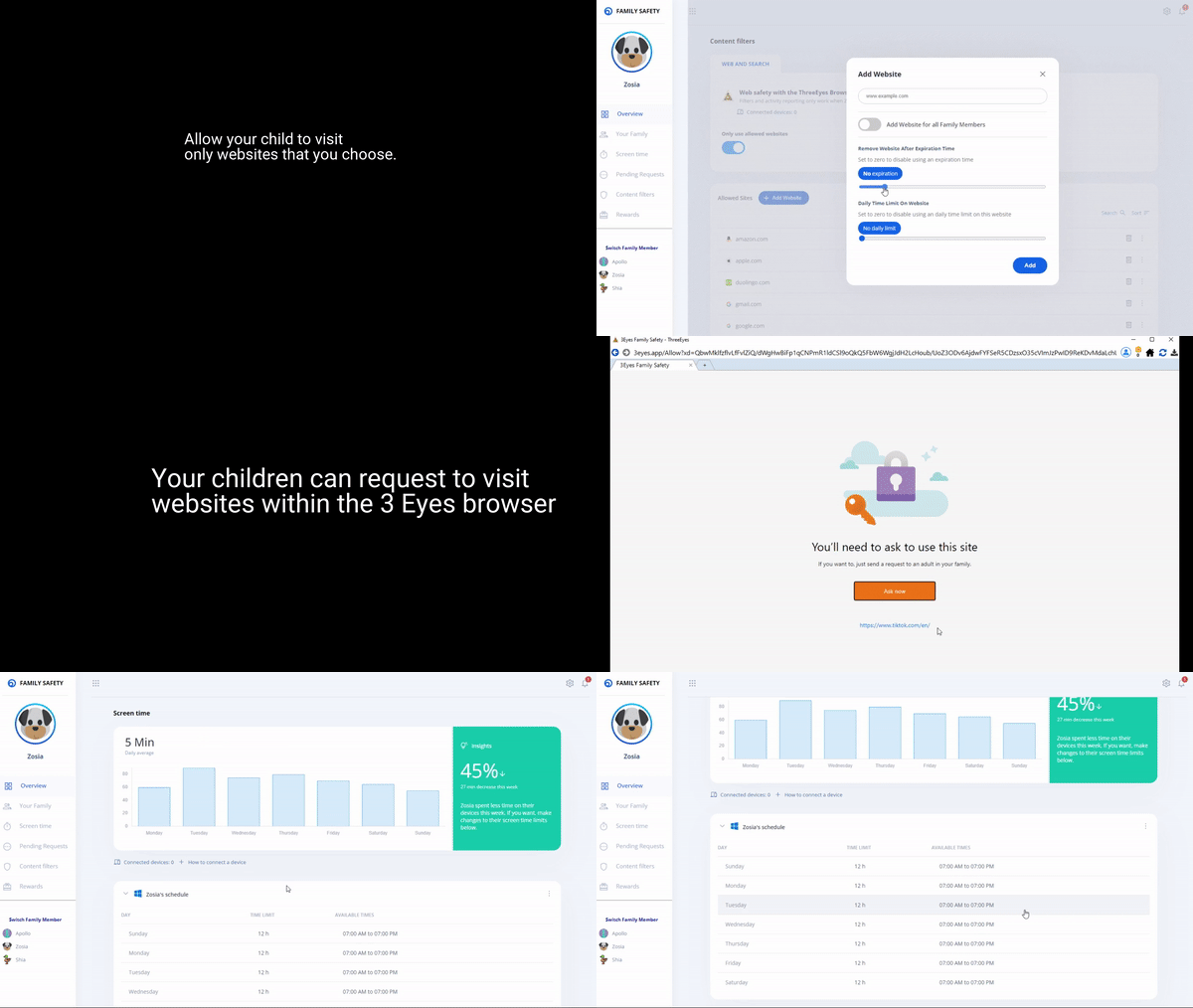
- Kids request access, creating a healthy conversation
- You are always in control, not a third-party vendor

Ready to take control of
what your kids see online?
The allowlist parental control that actually works on desktop
Sign Up Free