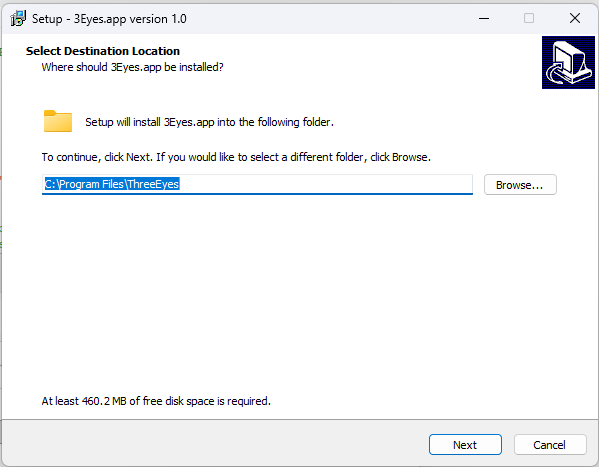

Your Windows download will begin automatically. If it didn’t start, download the 3Eyes app by clicking here.
On a Mac? See the Mac install steps — macOS asks for a few permissions the first time.
Open the downloaded ThreeEyes_Installer-x64.exe file from your downloads.
Can’t find the installer?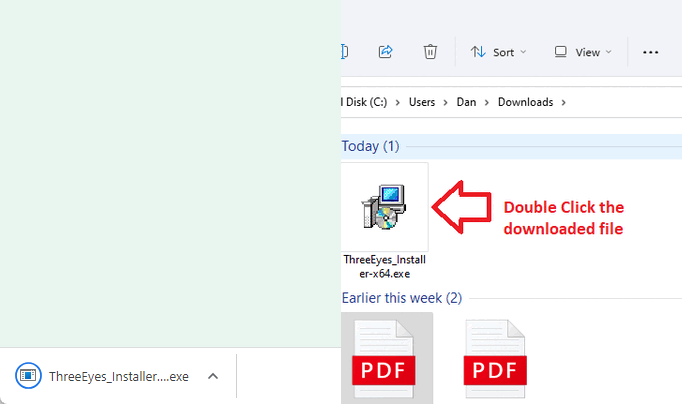
Follow the walkthrough to install 3Eyes and assign your child’s Windows account. It takes about two minutes, with a screenshot for every step.
See the Windows install steps